Book Development Services
Automation and workflow development by Spun Web Technology
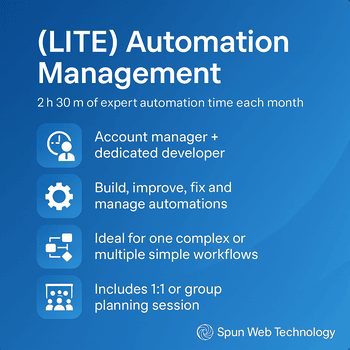
Automation and Development management Lite from Spun Web Technology
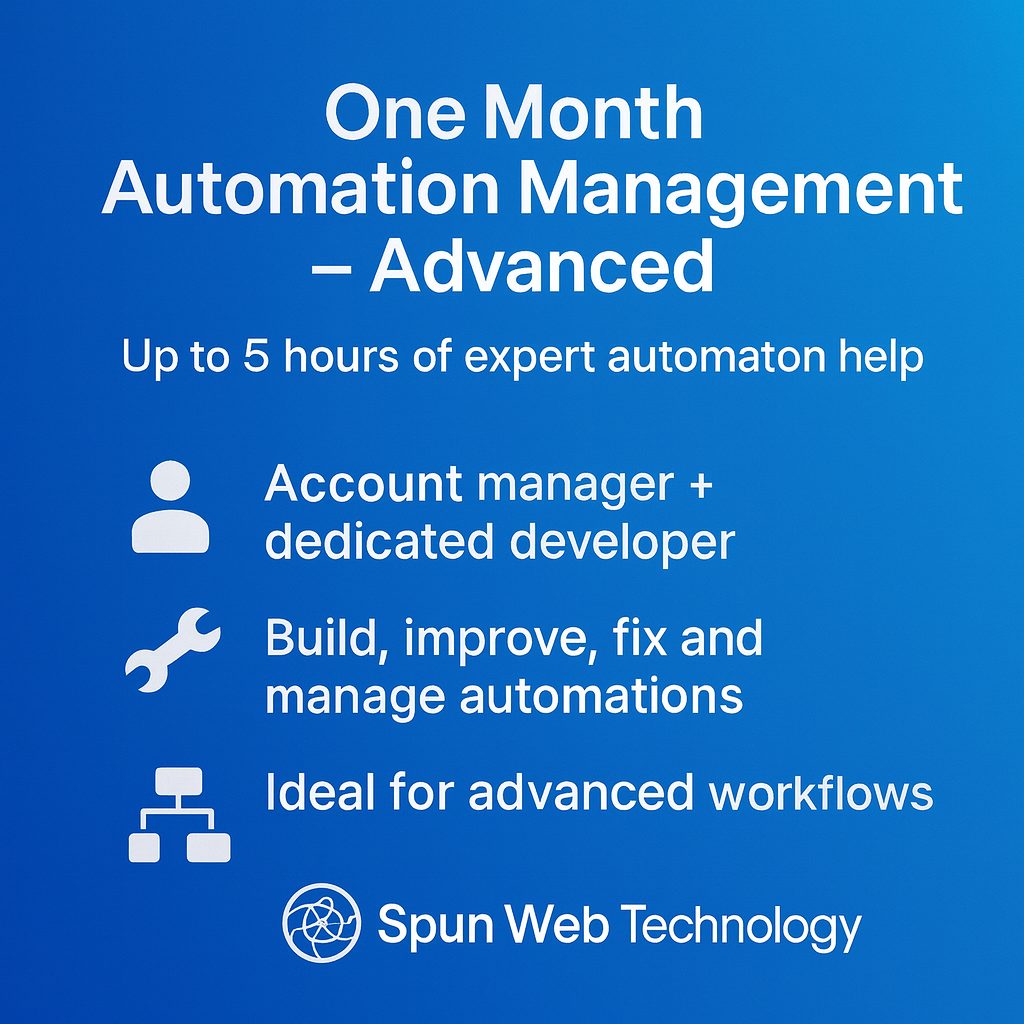
One Month Automation Management - Advanced
Monthly Development & Automation Management Comprehensive
Time Blocks Development and Automation Management 1 Hour Tune Up
Automated Monthly Management Advanced
5 hour workflow development time-block

10 hour Workflow Development Time-block
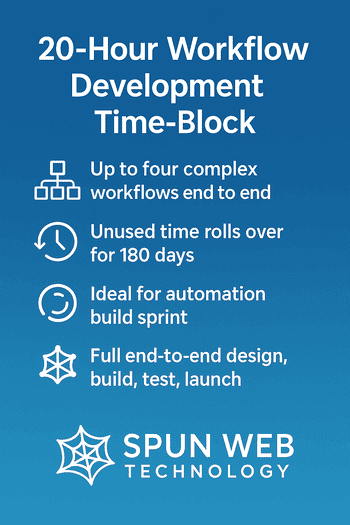
20 hour workflow development time-block
Beyond offering workflow and automation services, Spun Web Technology also offers WordPress Development and Design, as well as Android Development.
See more at our WordPress Page and our Android Development Page
Wordpress Development Services

Android Development Services

Custom Development & Automation Booking
Spun Web Technology designs and builds real-world automation systems for businesses that want control over their stack—not another black-box platform.
On this page, you can:
-
Choose a monthly automation management plan, or
-
Purchase development time-blocks for new workflows and blueprints
-
Complete your booking and payment directly through our Booknetic scheduling module.
How Our Services Work
-
Discovery & Scoping
We clarify goals, systems, and data flows (Make.com, n8n, Zapier, APIs, databases, spreadsheets, etc.). -
Blueprint & Build
We design the workflow, then implement it end to end—including integrations, error handling, and alerts. -
Testing & Launch
We test with sample and live data, then deploy the workflow into your production environment. -
Handover & Iteration
You get documentation and walkthroughs; remaining hours can be used for refinements or new automations (depending on the package you choose).
Monthly Automation Management Plans
Ongoing plans are best if you want a consistent automation partner watching your stack, not just one-off projects.
One Month Automation Management – Lite
A friendly, low-commitment way to get expert automation help each month.
-
Included time: up to 2 hours 30 minutes per month
-
Team: dedicated account manager + automation developer
-
Best for:
-
Building one complex workflow or several simple ones
-
Fixing, tuning, and rescheduling existing scenarios
-
Light ongoing maintenance and monitoring
-
-
Collaboration: optional 1:1 or small group planning session to prioritize what we work on next
One Month Automation Management – Advanced
For teams with multiple active workflows or bigger automation ambitions.
-
Included time: up to 5 hours per month
-
Team: account manager + dedicated developer
-
Best for:
-
Up to 2 complex workflows or 5+ simple workflows
-
Systematic improvements, refactors, logging, and reliability upgrades
-
Regular review of automation performance and roadmap
-
-
Collaboration: planning sessions to review results and choose the next set of improvements
One Month Automation Management – Comprehensive
For businesses that want automation as a core operational layer.
-
Included time: up to 10 hours per month
-
Team: account manager + dedicated developer (with access to wider team if needed)
-
Best for:
-
Up to 5 complex workflows or 10+ simple workflows
-
Multi-system automation programs across departments
-
Continuous optimization, monitoring, and expansion
-
-
Collaboration: recurring planning sessions and roadmap support; treated as an ongoing automation “sprint” each month
Workflow Development Time-Blocks
Time-blocks are ideal for project-style work: building new blueprints, implementing specific workflows, or doing focused upgrades. You buy a block of time; we use only what you need; unused time rolls over for 180 days.
1-Hour Workflow Tune-Up
Perfect for those “almost done, just needs a pro” tasks.
Use this focused hour for:
-
Small workflow additions or edits
-
Quick fixes and maintenance
-
Testing, QA, and implementation help
Great for tiny projects or to try working with us before committing to a larger block.
5-Hour Workflow Development Time-Block
Best when you have one important workflow to get right.
-
Typically covers one complex workflow from design to implementation
-
Includes mapping, development, testing, and launch
-
In most cases, there is time left over for:
-
Polishing and optimization
-
Additional steps (notifications, error handling, logging)
-
Any unused time remains available for 180 days.
10-Hour Workflow Development Time-Block
Ideal if you want multiple key workflows done in a single push.
-
Typically covers two complex workflows, end to end
-
Can also be used for five or more simple workflows
-
Often leaves time for:
-
Supporting automations (alerts, sync jobs, cleanup tasks)
-
Extra QA and documentation
-
Again, only actual time used is billed against your block; the rest rolls over.
20-Hour Workflow Development Time-Block
A full automation build sprint.
-
Typically covers up to four complete complex workflows
-
Can also deliver many smaller workflows and utilities
-
Ideal for teams wanting a significant upgrade to operations in one structured engagement
-
Time can be split between:
-
New builds
-
Refactors of existing systems
-
Monitoring, logging, analytics, and documentation
-
Unused hours stay available for 180 days for follow-up improvements or new workflows.
Time Rollover & Usage Policy
To keep things flexible while still predictable:
-
Time is tracked in reasonable increments during active work sessions (development, debugging, testing, meetings, documentation).
-
If a project uses less than the purchased block, remaining hours:
-
Stay available for up to 180 days from purchase
-
Can be used for improvements to existing workflows or brand new ones
-
-
Rollover hours must be scheduled in advance like any other session.
-
Hours are non-transferable and intended for the purchasing organization only.
What Counts as a “Complex” vs “Simple” Workflow?
These are general guidelines to help with expectations:
-
Simple workflows usually:
-
Connect 1–2 tools
-
Have a straightforward trigger and action (or a short chain of steps)
-
Minimal branching logic and no heavy data processing
-
-
Complex workflows often include:
-
Multiple tools or APIs
-
Conditional logic, error handling, and retries
-
Data transformation, batching, or pagination
-
Sensitive or high-volume operations that need extra testing
-
We’ll help classify your workflows during our discovery call so you know what fits in each package.
Platforms & Access
These services primarily cover:
-
Make.com, n8n, Zapier, and custom API integrations
-
Common data sources: Google Sheets, CRMs, databases, webhooks, and other SaaS tools
You’ll need to:
-
Provide secure access (shared credentials, service accounts, or invited user)
-
Ensure any third-party services are properly licensed and accessible from your region
-
Maintain ownership and control of your accounts; we work inside your environment whenever possible
All credentials should be shared securely (not via email or chat); we’ll recommend the best approach for your stack.
Payment, Scheduling & Refunds
-
All sessions/time-blocks are prepaid through our booking system on this page.
-
Work is scheduled after payment is confirmed.
-
Rescheduling:
-
You can reschedule booked sessions up to a reasonable cutoff (e.g., 24 hours before) without losing time.
-
-
Cancellations & refunds:
-
Because we reserve developer time and often prep in advance, time-block purchases are generally non-refundable, but the hours remain usable for 180 days.
-
(If you have special circumstances or larger engagements, talk to us—long-term contracts can have custom terms.)
Ownership & Confidentiality
-
You retain ownership of custom workflows, blueprints, and documentation created specifically for your project.
-
We may reuse generic patterns (no confidential data or unique business logic) to improve our internal libraries.
-
We treat all client data and systems as confidential and will sign NDAs when required.
Book & Purchase Your Service
Choose the plan or time-block that fits you best and complete your booking below. You’ll be able to:
-
Select the specific service (Lite/Advanced/Comprehensive, or 1h/5h/10h/20h time-blocks)
-
Pick date and time for your initial session
-
Process payment securely through our booking system