
Meet Airwave Audio Player Matrix
Airwave is a friendly WordPress plugin that lets you stream your radio station on your site and chat with your community—without “Big Tech” lock-ins. It’s free, open source, and actively maintained by Spun Web Technology with frequent updates. The player shows live Now Playing info (title, artist, artwork), listener counts, and DJ names, and it pairs with Matrix chat so your audience can talk in open, decentralized rooms that respect free speech.
[airwave_combined stream=”0″ room=”#general:matrix.org”]
Great for: indie stations, DJs, podcasters, community radio, and creators who want a simple, reliable player and independent chat.
What you get (in plain English)
- Plays popular streams: Shoutcast, Icecast, and SonicPanel.
- Live metadata: Now Playing, artist, cover art, listener count, DJ name (where available).
- Matrix chat: Open, decentralized rooms—no walled gardens.
- Shortcodes: Add player/chat anywhere in seconds.
- Theme-friendly: Looks good out of the box; easy to restyle.
- Easy updates: Improvements ship via your Plugins page.
Quick setup (3–5 minutes)
- Install & activate the plugin in WordPress.
- Open Airwave Settings and enter:
- Stream type (Shoutcast / Icecast / SonicPanel)
- Stream URL (or SonicPanel host + port)
- Optional: Matrix homeserver and room
- Save your settings.
- Create a page and add a shortcode (examples below). Publish!
Examples (copy/paste)
Player only
Player + chat (two blocks)
[airwave_radio][matrix_chat title="Listener Chat"]Now Playing banner (compact)
[airwave_now_playing prefix="Now Playing:" show_artwork="false"]Station page with extras
[airwave_radio title="Airwave FM" show_artwork="true" show_listeners="true" show_dj="true"] [matrix_chat title="Chat with the DJ" height="500px"]Screenshots
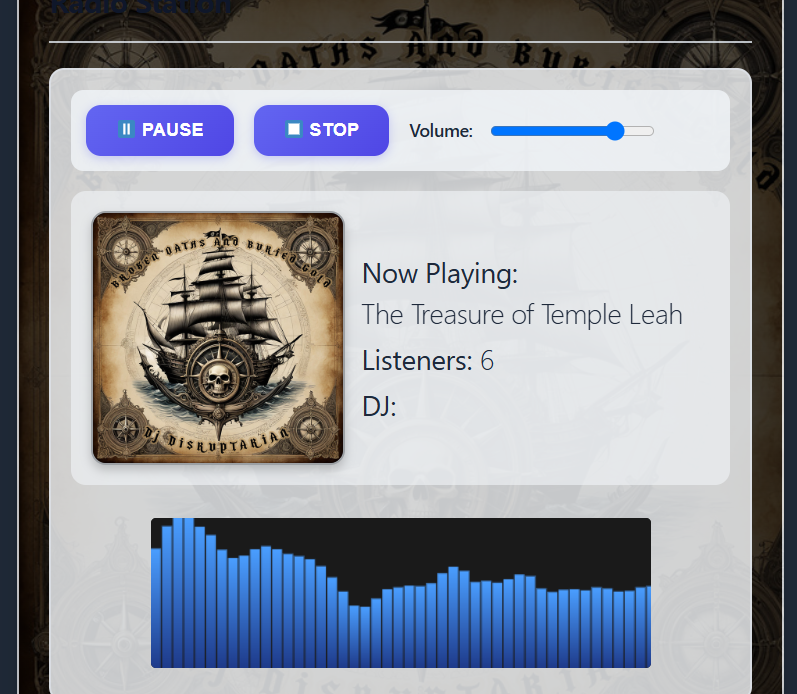
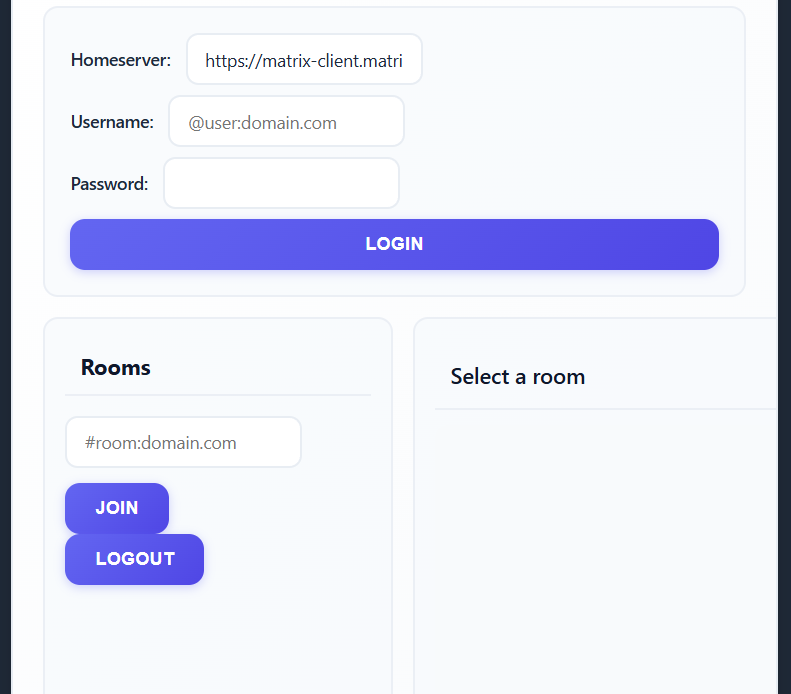
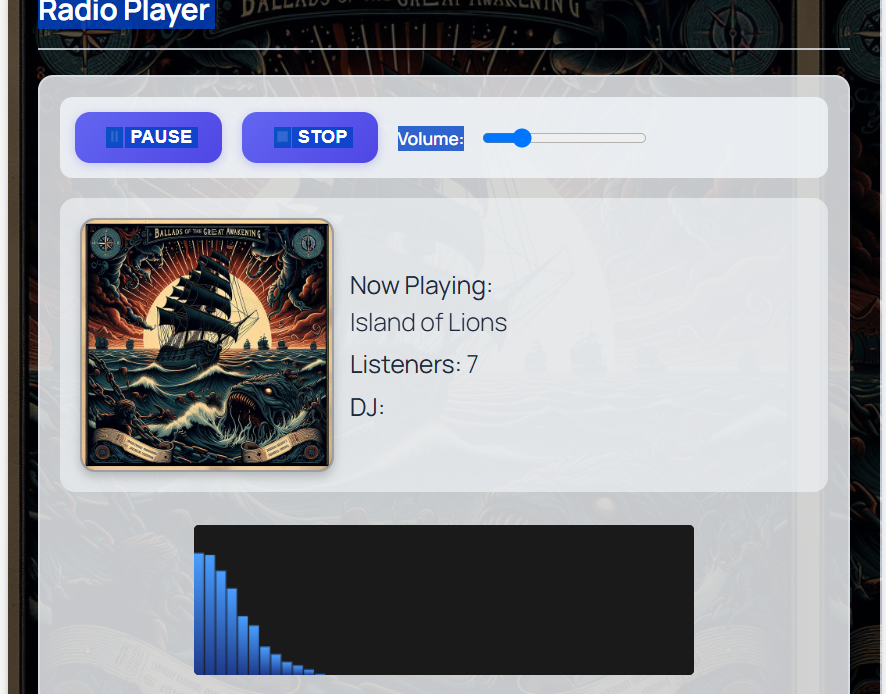
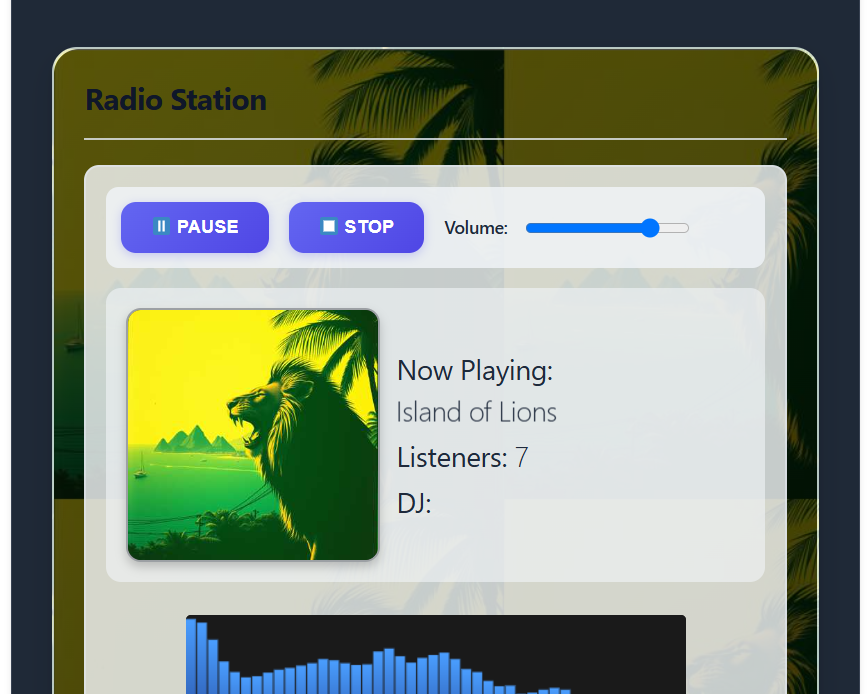
FAQ & quick fixes
Does metadata require HTTPS?
If your site uses HTTPS, make sure metadata endpoints do too. This prevents mixed-content issues (for SonicPanel, use https://your-host/cp/get_info.php?p=PORT when possible).
I don’t see Now Playing or listeners.
Check stream type and URL/host+port. Some hosts cache metadata—wait a minute, then refresh. For SonicPanel, verify the get_info.php endpoint returns JSON.
Can I change colors and layout?
Yes—override styles in your theme or add your own classes around the shortcodes.
Is it really free?
Yes. Airwave is free and open source, maintained by Spun Web Technology, with updates delivered via your Plugins page.
Where do I get help?
Contact Spun Web Technology with your stream URL, site URL, and a screenshot of your settings.
Call to action
- Install Airwave Audio Player Matrix.
- Paste one of the examples above.
- Say hello to your new, independent radio + chat page.
[spun_latest slug=”airwave-audio-player-matrix” base_url=”https://spunwebtechnology.com/wp-content/uploads/repository”]