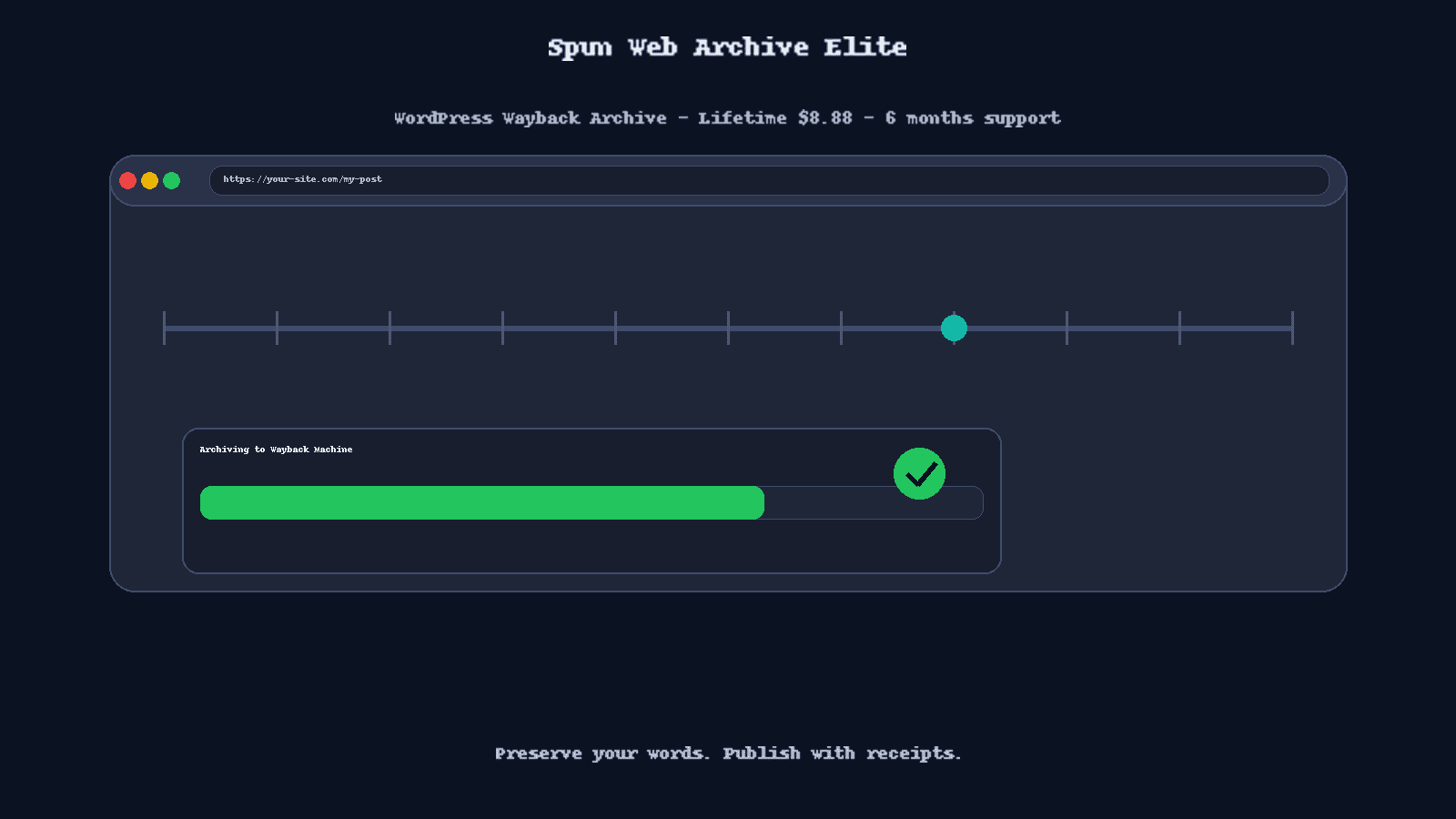
Spun Web Archive Forge WordPress Wayback Archive
Spun Web Archive Forge
Publish with receipts. Preserve your site’s history, even when platforms misbehave.
Why Spun Web Archive Forge exists
Content gets throttled or pulled. Domains get lost when someone misses a renewal. Servers hiccup. Your words should not vanish. Archive Forge saves a public snapshot of each page on the Internet Archive’s Wayback Machine, then gives you clean tools to track, audit, and prove what you published and when. It is an answer to moderation overreach and a safety net for your memories, releases, and milestones. :contentReference[oaicite:0]{index=0}
What you get
- Automatic on publish with optional delay and retries. Queue handles the grind. :contentReference[oaicite:1]{index=1}
- Per-post “Submit to Archive” links in All Posts and All Pages for on-demand saves. Recently submitted items show clear status so you do not double-tap. :contentReference[oaicite:2]{index=2}
- Dual methods: Wayback Save API (no keys) or Archive.org S3 API with proper authentication. Pick what fits the job. :contentReference[oaicite:3]{index=3}
- Centralized credentials with encrypted storage and a visual Test Connection that shows pass or fail. :contentReference[oaicite:4]{index=4}
- Submission history with timestamps, archive links, success, failed, pending, and CSV export. :contentReference[oaicite:5]{index=5}
- Status where you work: list columns in Posts and Pages, plus a post editor meta box. :contentReference[oaicite:6]{index=6}
- Queue controls: live statistics, manual processing, clear completed or failed, configurable intervals and retries. :contentReference[oaicite:7]{index=7}
- Cleaner error handling with plain messages for timeouts, DNS, and SSL issues. :contentReference[oaicite:8]{index=8}
Archive Forge perks
- Priority support and premium updates. :contentReference[oaicite:9]{index=9}
- Enhanced tracking and reporting for submission results. :contentReference[oaicite:10]{index=10}
- Professional branding and extended documentation. :contentReference[oaicite:11]{index=11}
How it works
Two save paths
Simple Save uses the Wayback “Save Page Now” method, no API keys required. Good default for fast snapshots of public URLs. API Save uses Internet Archive’s S3-style API with your Access Key and Secret for collection control and a robust fallback. Credentials live in a dedicated page, and the Test Connection gives real-time feedback. :contentReference[oaicite:12]{index=12}
Queue and history
New publishes and on-demand submissions land in a queue. Processing runs in the background on a schedule. Entries write to the submissions history as they are queued and when they succeed or fail, with clickable archive links. CSV export is available on the history screen. :contentReference[oaicite:13]{index=13}
Admin touches your team will like
- Tabbed settings with direct links to history and queue. CSV export on the history page. :contentReference[oaicite:14]{index=14}
- Archive.org @username display for your public archive page, with show or hide controls in the same section for clarity. :contentReference[oaicite:15]{index=15}
- Clean uninstall options, up to complete data removal when you need a fresh slate. :contentReference[oaicite:16]{index=16}
What is new lately
- Queue Settings tab added with stats, controls, and configuration. AJAX powered, real-time updates. :contentReference[oaicite:17]{index=17}
- Submissions History appears immediately when items are queued. Status updates live as processing runs. :contentReference[oaicite:18]{index=18}
- UI cleanups and fixes for username display controls, plus layout improvements for clarity. :contentReference[oaicite:19]{index=19}
- Migration reliability for submissions history table creation and versioned DB upgrades. :contentReference[oaicite:20]{index=20}
Requirements
- WordPress 5.0 or higher. Tested up to WordPress 6.7.1
- PHP 8.1 or higher
- cURL enabled
- Archive.org account for API access if you choose the S3 path
Plugin follows WordPress security and coding standards, with nonce checks, capability checks, sanitization, escaping, and prepared queries.
Pricing and support
- Lifetime license: $8.88, includes 6 months of updates and support
- Extend support: +6 months for $4.44, includes responsive support and frequent updates and features
Buy it once. Keep publishing with receipts.
Setup in minutes
- Install and activate Spun Web Archive Forge.
- Pick your method: Simple Save or API Save. Add keys in API Credentials, then click Test Connection.
- Turn on auto submission if you want set and forget. Use Submit to Archive on any post when you need an instant snapshot.
- Watch queue stats, review history, and export CSV for reports. :contentReference[oaicite:22]{index=22}
FAQ
Does Archive Forge change my content
No. It only submits your public URLs to the Internet Archive.
Can it archive existing content
Yes. Use the per-post row action in Posts or Pages to submit on demand. :contentReference[oaicite:23]{index=23}
Will it slow down my site
No. Submissions run in the background on a schedule. :contentReference[oaicite:24]{index=24}
Can I cleanly remove plugin data
Yes. Use the uninstall page for complete removal when needed. Read the warnings first. :contentReference[oaicite:25]{index=25}
For developers
Centralized credentials, proper AWS S3 signature authentication, improved static analysis support with WordPress stubs, and a documented hook surface. The Developer README details the environment, stubs, and PHPStan configuration if you lint the code outside WordPress.
Call to action
Get Spun Web Archive Forge and start preserving your site’s history today. Extend support to 12 months for $4.44 when you need it.