Spun Web Archive Pro, WordPress Wayback archive
Archive Forge SWT for WordPress: publish once, preserve forever
Your site tells your story. Do not let it disappear because a host flaked, a registrar messed up, or a platform changed its rules overnight. Archive Forge SWT is a free plugin from Spun Web Technology that automatically submits your WordPress posts and pages to the Internet Archive’s Wayback Machine. You publish, it requests a snapshot. Your words get a second home.
Download free: https://github.com/veracitylife/Archive-Forge-SWT
Why archive at publish time
Losing content online is common. Domains lapse. Hosts suspend first, ask questions later. Moderation turns into memory holes. Archiving is not nostalgia, it is proof. Think of it like certified mail to a public library. Once your page is stamped and shelved, you can point to it tomorrow, next year, or in a decade.
What Archive Forge SWT does
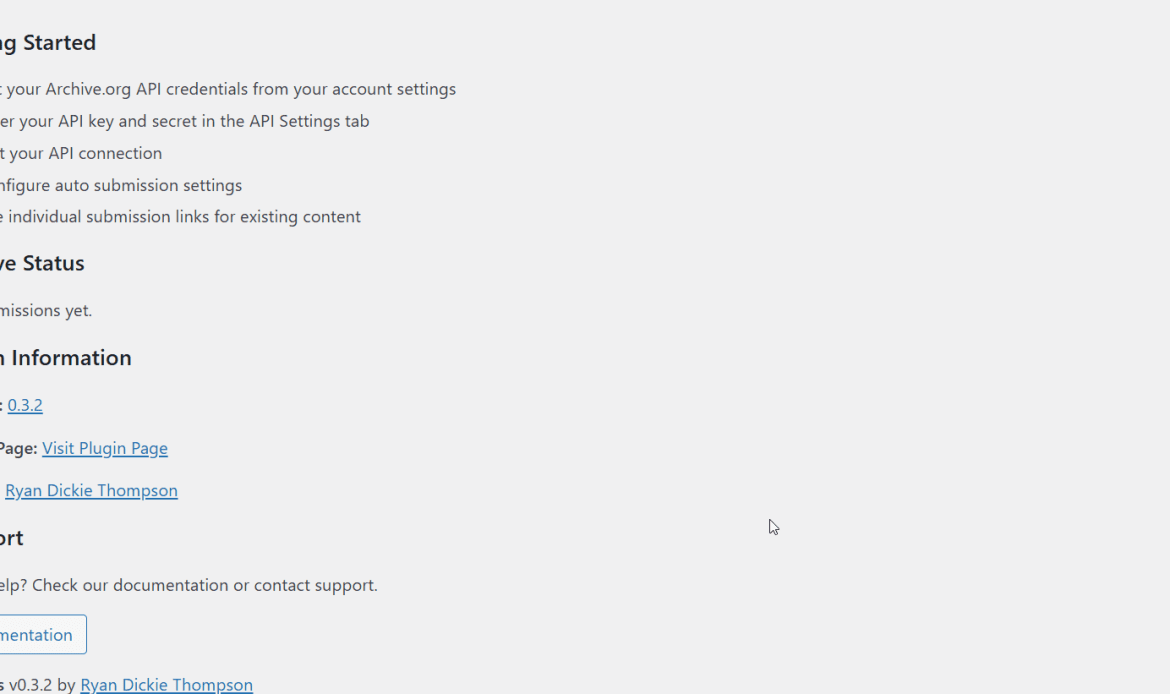
Short version: it submits your WordPress URLs to the Wayback Machine automatically and on demand, then tracks results in your dashboard with tools to fix anything that gets stuck.
Key outcomes:
-
Fresh snapshot requests at publish or update
-
One-click manual submits for older posts and pages
-
Real status tracking with job IDs and snapshot links
-
Smart retries and recovery so you are not babysitting queues
-
Widgets and shortcodes to show archive links and counts to your readers
-
Free and open source under the GPL
Feature highlights
Automatic and manual submissions
-
Auto submit on publish or update.
-
Submit any post or page on demand from your admin screens.
-
Works with posts, pages, and custom post types you select.
Reliable queue with recovery
-
Spaced requests that respect Archive.org rate limits.
-
A validator that double checks snapshots and clears “stuck” items.
-
A five minute background sweep that reconciles pending jobs.
Submission history you can trust
-
See job status, snapshot URLs, timestamps, and error codes in one place.
-
Color coded statuses so you can scan results fast.
-
Export for audits when you need receipts.
Widgets and shortcodes
-
Shortcodes:
[archive-link],[archive-status],[archive-list],[archive-count]. -
Widgets: show your Internet Archive profile, recent snapshots, or popular archived posts.
-
Drop them into any page, no coding required.
Built for real sites
-
Memory and stability tools for long queues.
-
Clean admin UI with simple toggles and sensible defaults.
-
Multisite friendly. Plays well with common SEO and caching plugins.
Privacy and security
-
Sends only the public URL you choose to archive.
-
API credentials stored with standard WordPress methods.
-
Capability checks and nonces on admin actions.
How it works
-
You publish or update a post.
-
Archive Forge SWT listens to the WordPress hook, adds the public URL to the queue, and sends a Save Page Now request to the Internet Archive.
-
The plugin records a job ID, polls for completion, and verifies the archived snapshot.
-
If anything fails, it retries with sane limits and logs the reason.
-
Your dashboard shows the final snapshot URL. You can click Validate now to reconcile anything still pending.
It is simple by design. No third party middleman. You control what gets archived.
Quick start
-
Install the plugin from the GitHub ZIP, then Activate.
-
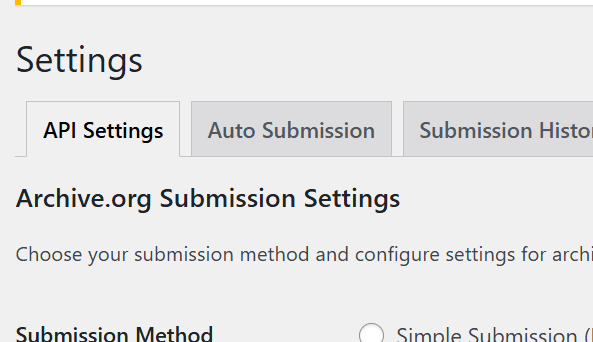
Open Settings: Tools → Spun Web Archive Forge.
-
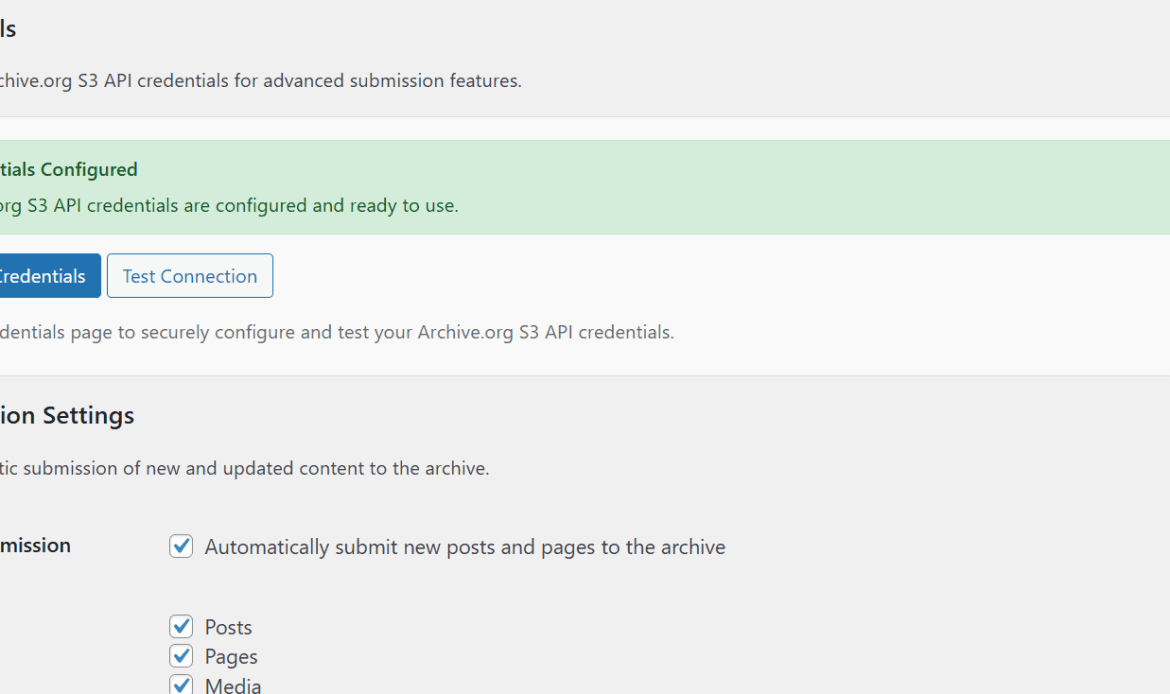
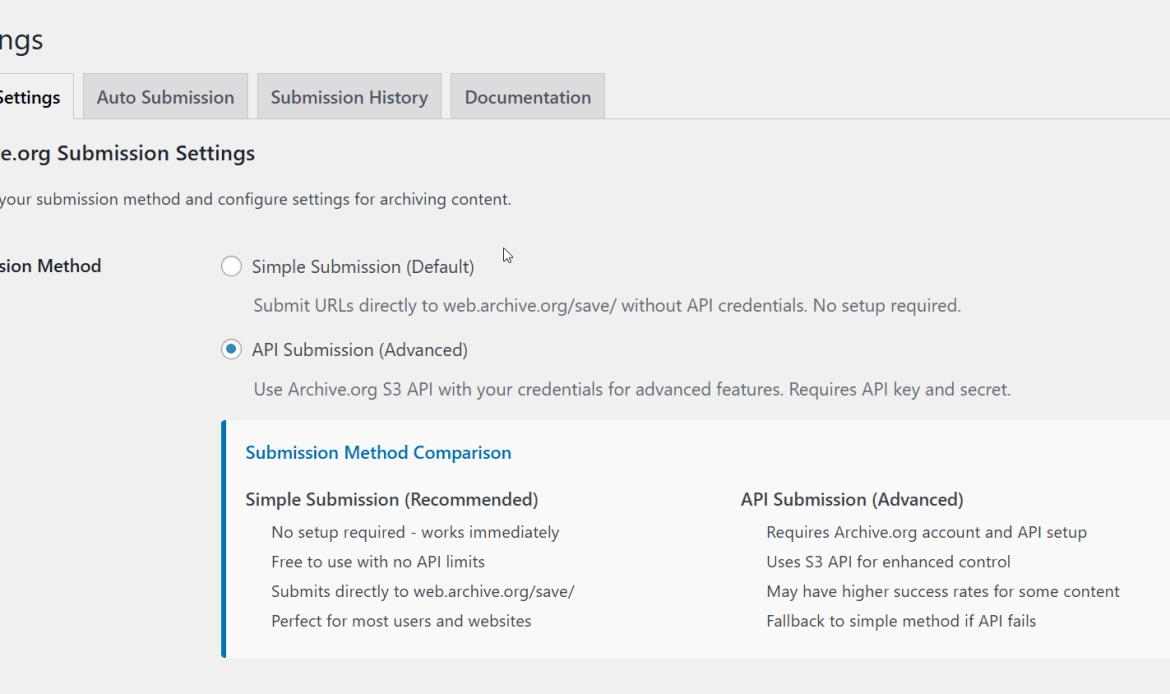
Choose your method: quick submit without credentials, or paste your Archive.org S3 keys for authenticated requests.
-
Select post types and set delay or retries if you want.
-
Publish something and check the Submission History tab for your snapshot link.
Who it is for
-
Writers, journalists, and independent media who want receipts
-
Investigators and activists who need a public record
-
Site owners who have been burned by takedowns, hacks, or host drama
-
Agencies and developers who need a reliable archiving workflow for clients
Silencing speech is like putting duct tape over a smoke alarm. The fire still burns, you just cannot hear the warning. Archiving keeps the alarm audible.
Real benefits for teams and agencies
-
Standardize preservation across all client sites
-
Show compliance and content timelines with exportable logs
-
Reduce support time spent chasing vanished pages
-
Add archive links into reports, newsletters, or footers with shortcodes
Compatibility and requirements
-
WordPress 5.0 or newer
-
PHP 7.4 or newer
-
Tested with recent WordPress releases and popular plugins
-
GPL license, free to use, fork, and improve
Frequently asked questions
Is this a full backup of my site?
No. It preserves public URLs as snapshots at the Internet Archive. Keep normal file and database backups.
What if the Internet Archive will not capture a page?
The Archive sets its own rules and rate limits. The plugin requests a capture, logs the result, and retries within safe limits.
Does it slow down my site?
No. Submissions run in the background. Readers are not blocked.
Can I choose what to archive?
Yes. Enable automatic archiving for specific post types and use manual submit where you need finer control.
Can developers extend it?
Yes. There are actions and filters for submission hooks, delays, and URL handling. It is open source, so you can fork it.
Roadmap ideas
-
Bulk submit tool for large back catalogs
-
Per-category rules
-
REST endpoints for CI workflows
-
More flexible front end blocks
If you want a feature, open an issue on GitHub or send a pull request.
Support and contribution
-
Download and issues: https://github.com/veracitylife/Archive-Forge-SWT
-
Custom deployments or help for agencies: contact Spun Web Technology
We built this to solve a simple problem and to solve it well. If you find a bug, tell us. If you improve it, share it. That is how open source should work.
Related projects worth knowing
-
Archiver by Mickey Kay: a classic WordPress plugin that triggers Wayback snapshots.
https://github.com/MickeyKay/archiver -
Amber: preserves copies of outbound links and serves fallbacks when the original dies.
https://amberlink.org -
Perma.cc: durable citations for legal and academic links.
https://perma.cc -
Official Wayback extension: quick save and view from your browser.
https://github.com/internetarchive/wayback-machine-webextension
These are not ours, they are good neighbors. Use the right tool for your case.
A note on funding the commons
The Internet Archive is a public library. It runs on donations, not ad tech. If Archive Forge SWT helps you, consider giving a few dollars to keep the lights on: https://archive.org/donate
Call to action
Your posts deserve a second home. Install Archive Forge SWT today, set it once, and keep building.
Get the plugin: https://github.com/veracitylife/Archive-Forge-SWT
WordPress excerpt
Archive Forge SWT is a free plugin from Spun Web Technology that automatically submits your posts and pages to the Internet Archive’s Wayback Machine, with status tracking, retries, and front end widgets and shortcodes.
SEO keywords
wordpress plugin, wayback machine, internet archive, save page now, archive.org, archive forge swt, spun web technology, digital preservation, content preservation, wordpress archiving, censorship resistance, open source plugin, submission queue, snapshot validation, cron processing, widgets, shortcodes, wordpress security, gpl license, site reliability